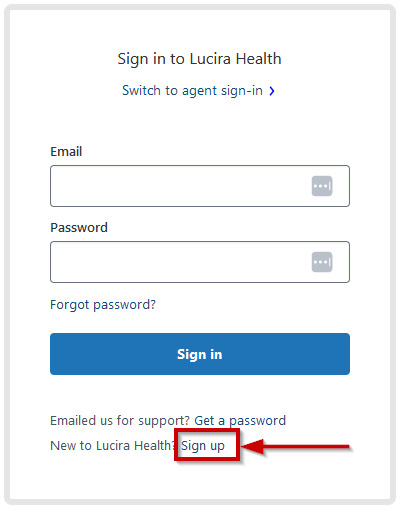
- Access https://support.lucirahealth.com/hc/en-us/signup and click on “Sign up” (you can also click on the link provided in the “Lucira by Pfizer welcome email”)
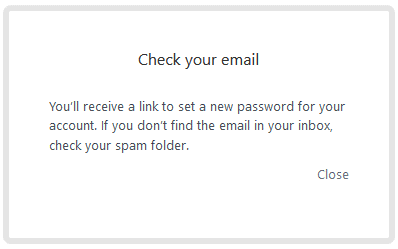
- Once you enter your data, you will get a message to check your email
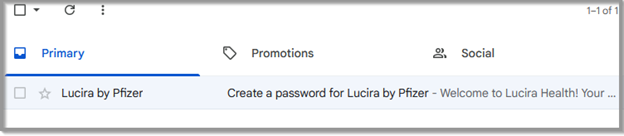
- Look for the email
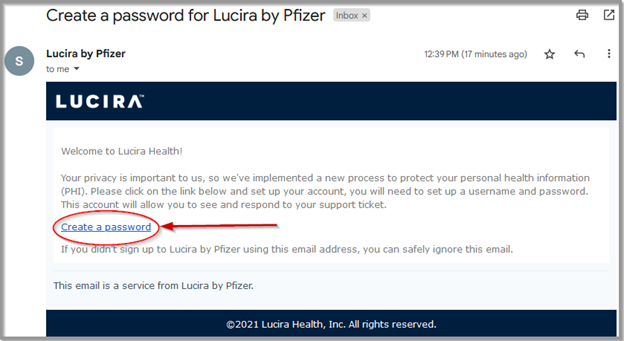
- Once you locate and open the email, click on “Create password”
- Enter your information and password
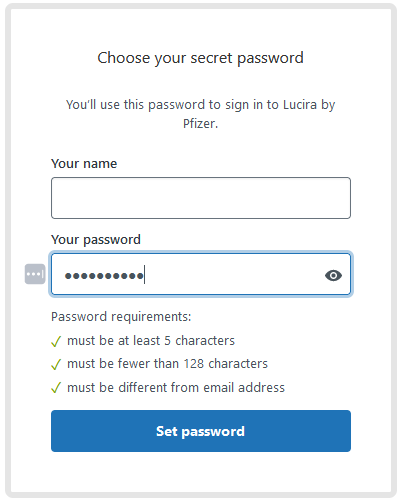
- Once you submit your password, you will be taken to your account
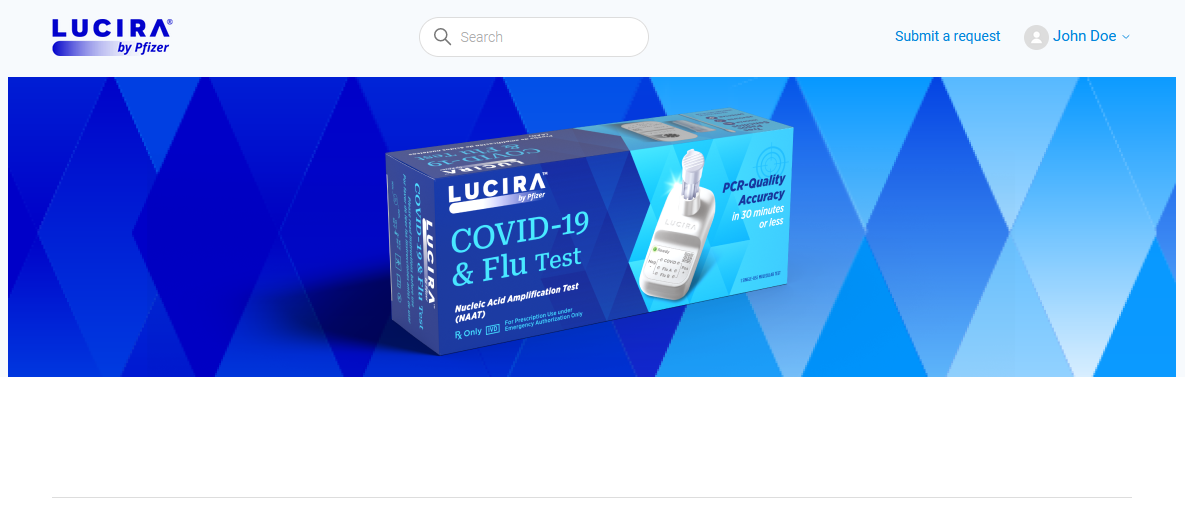
Steps to register on Zendesk

Comments
0 comments
Please sign in to leave a comment.